

Prerequisites
Before you begin, prepare the following values:- API key: Create or copy an API key from Key Management.
- Base URL:
https://api.novita.ai/openai/v1 - Model ID: Copy the model ID you want to use from the Model Hub, such as
deepseek/deepseek-v4.1-flash.
Add Novita as an OpenAI-compatible provider
Open Zed’s command palette and run: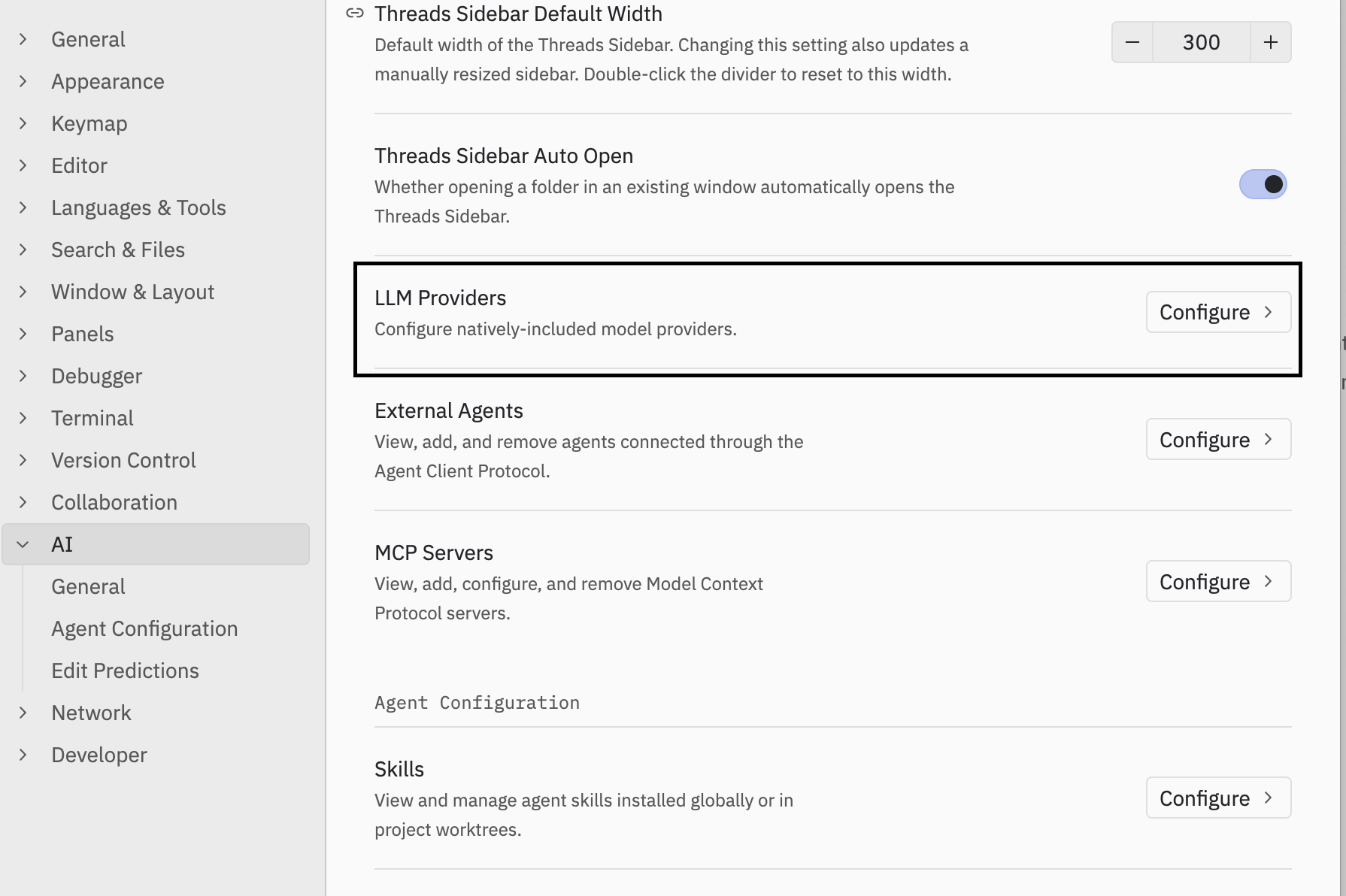
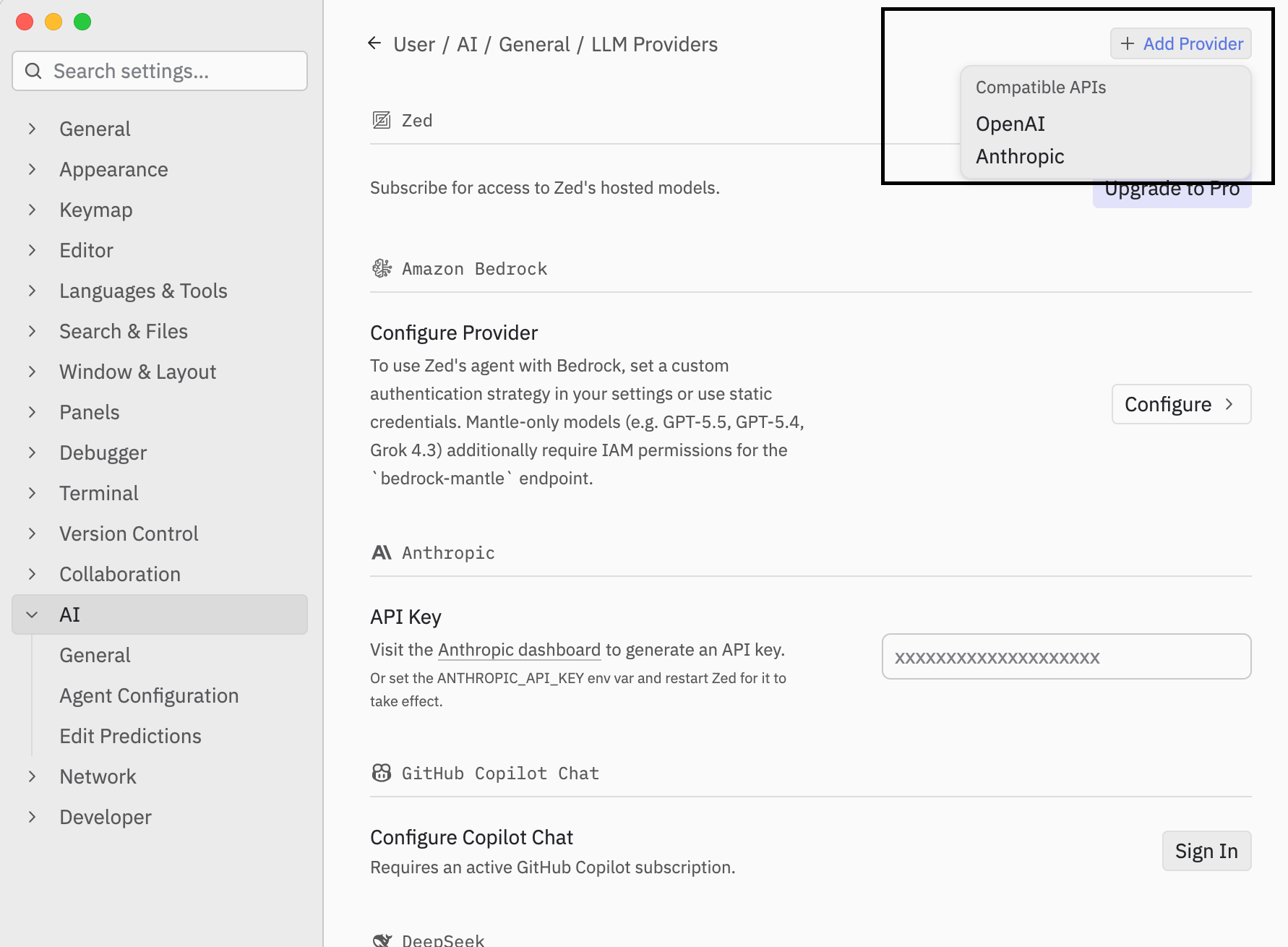
settings.json:
novita, Zed reads NOVITA_API_KEY from its process environment (generated from the provider ID as upper snake case plus _API_KEY). Do not put the API key in settings.json.
Start using Novita models in Zed
Open the Agent Panel and select your Novita model from the model picker. Send a test prompt: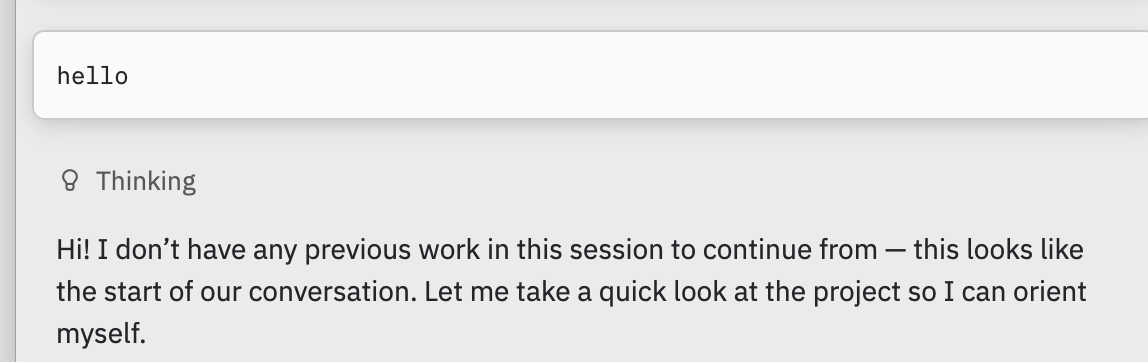
- Your API key is correct and entered in the provider settings UI (or the generated environment variable is set).
- The API URL is
https://api.novita.ai/openai/v1. - The model ID exactly matches the Model ID in Novita’s Model Hub.