

Prerequisites
Before you begin, prepare the following values:- API key: Create or copy an API key from Key Management.
- Base URL:
https://api.novita.ai/openai/v1 - Model ID: Copy the model ID you want to use from the Model Hub, such as
deepseek/deepseek-v4.1-flash.
Install Command Code
Command Code requires Node.js 22 or newer.Configure your API key
Open your shell configuration file, for example~/.zshrc:
Add Novita as a BYOK provider
Command Code stores BYOK provider configuration in~/.commandcode/providers.json. Novita is already in Command Code’s bundled provider registry, so you can connect it in a few steps through the interactive /connect menu, or add it by editing the file directly.
Option 1: Interactive setup
In a Command Code session, run: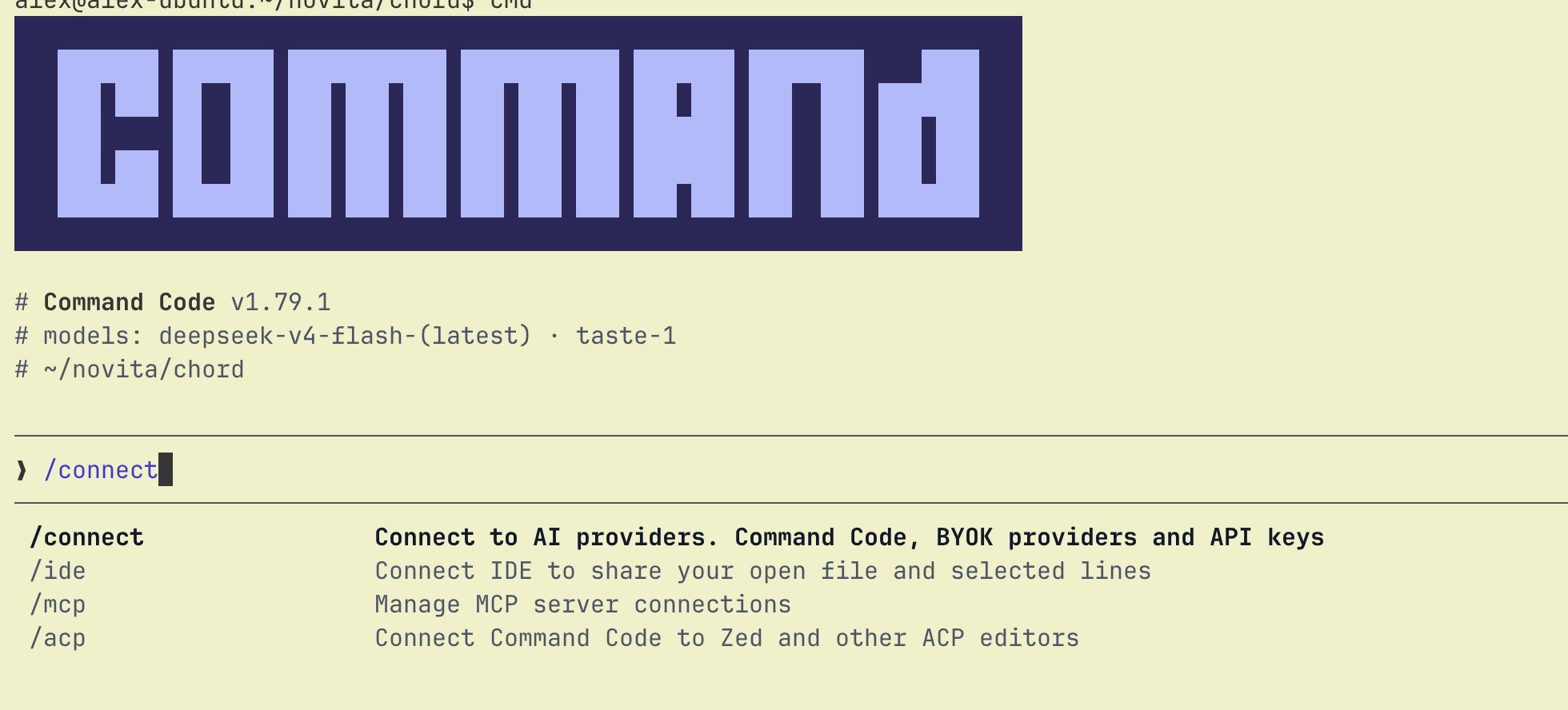
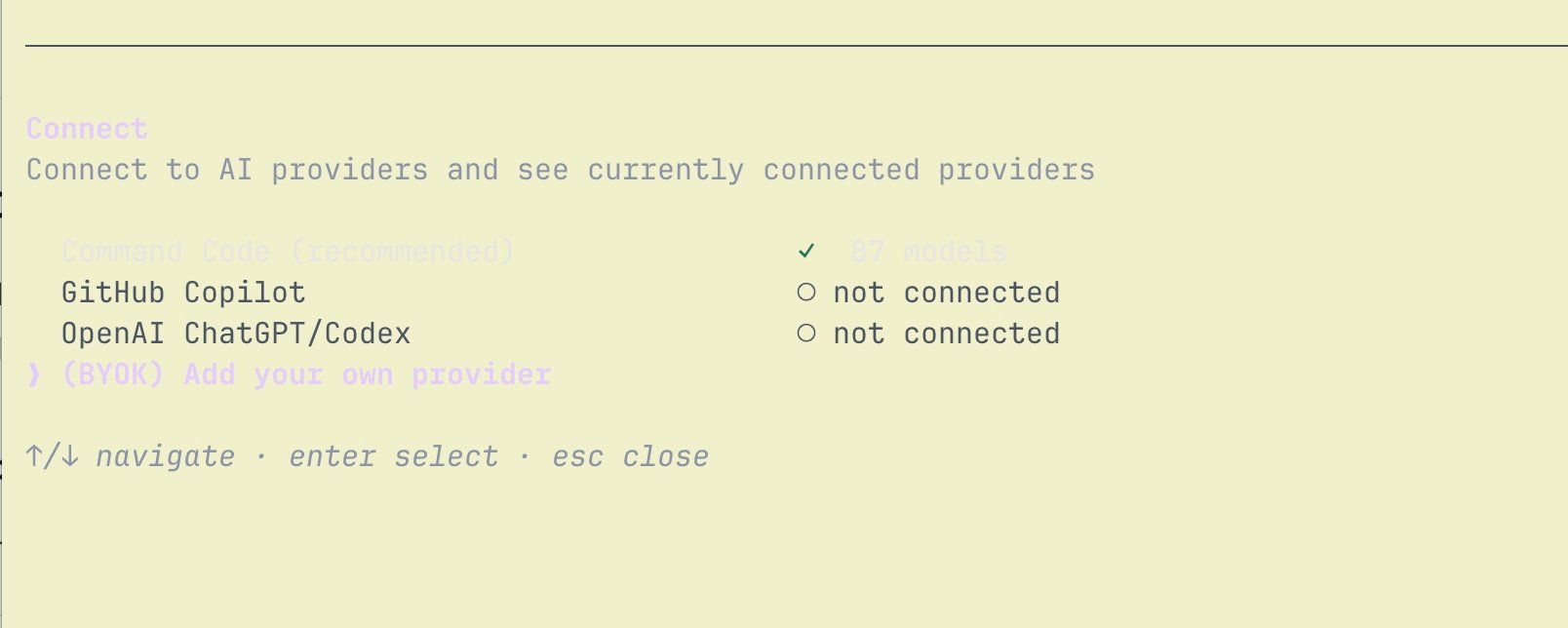
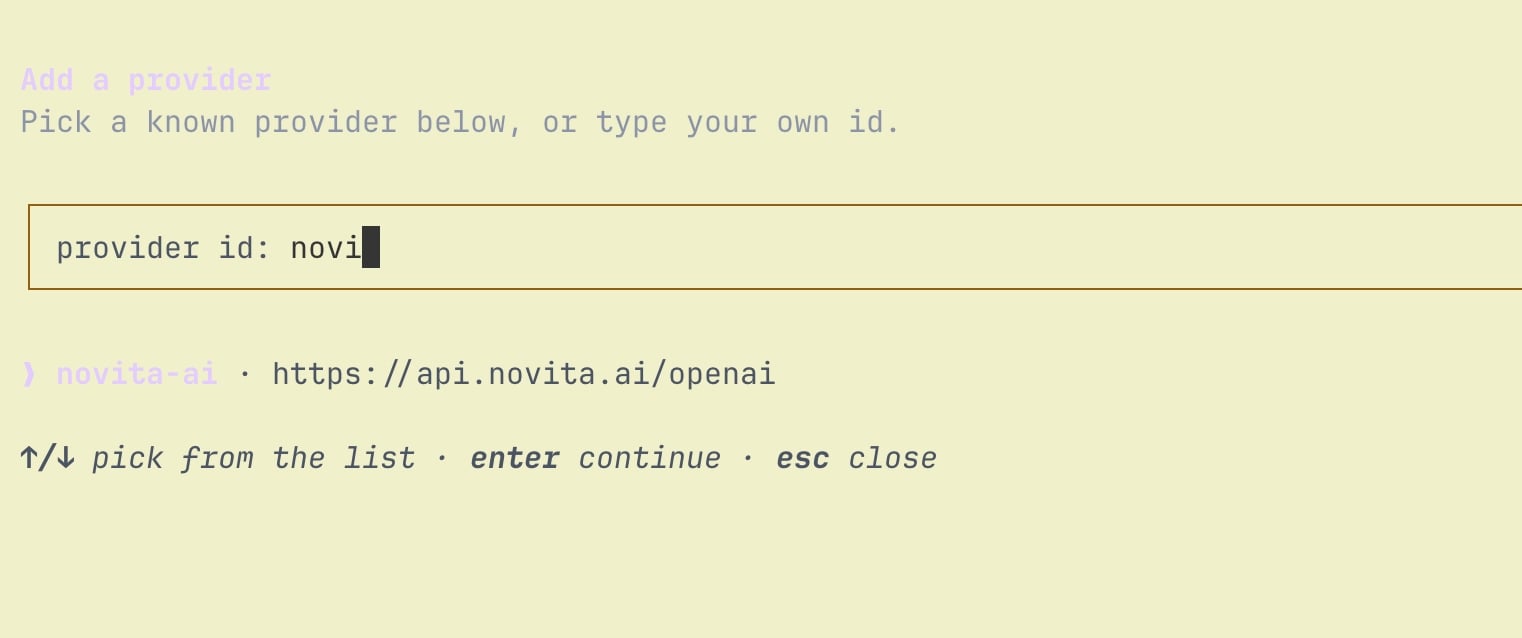
novita to find the bundled novita-ai provider entry (base URL https://api.novita.ai/openai) and select it:
~/.commandcode/auth.json, never in providers.json:
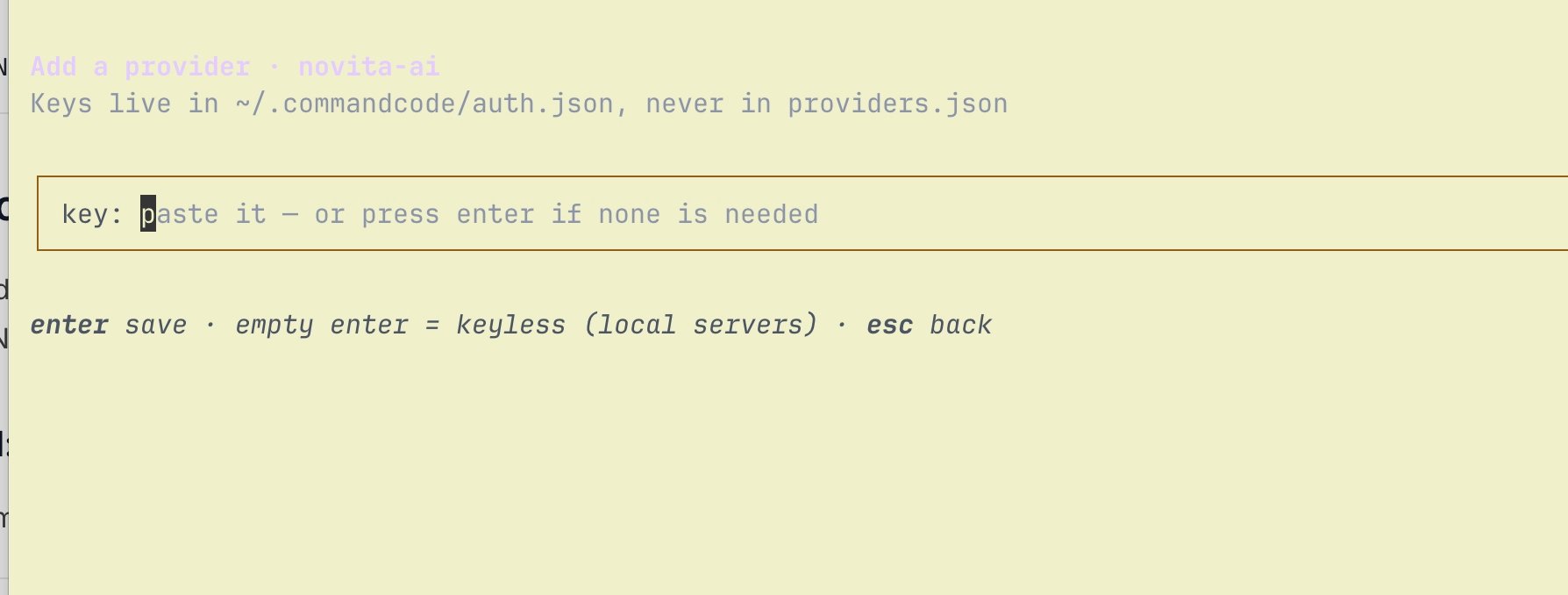
/model. Pick one and start coding.
Option 2: Edit providers.json directly
Open~/.commandcode/providers.json and add a novita entry:
providers.json apply live. Reopen /connect or /model in Command Code to see the novita provider and its models.
Start Command Code
Go to your project directory and start Command Code:NOVITA_API_KEYis available in the current terminal session, or the key is set directly inproviders.json.- The model ID exactly matches the Model ID in Novita’s Model Hub.
baseURLis set tohttps://api.novita.ai/openai/v1.